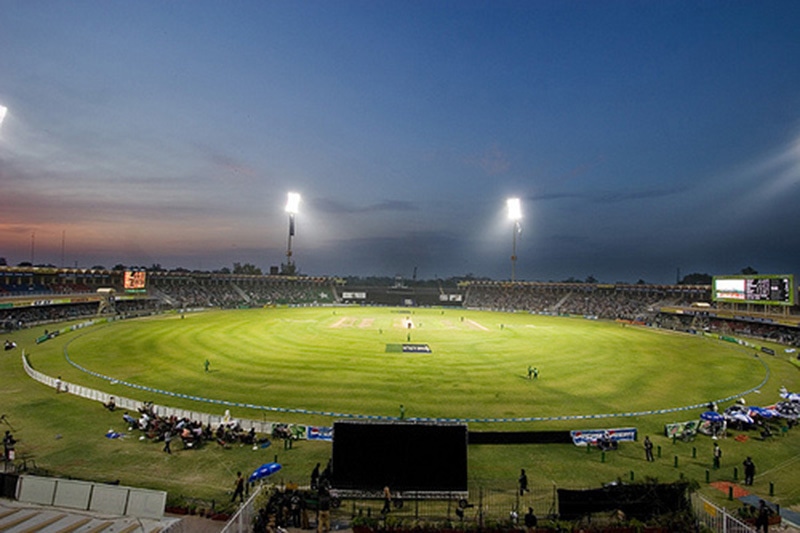
How to Host a Cricket Match Event: Complete Organizer Guide
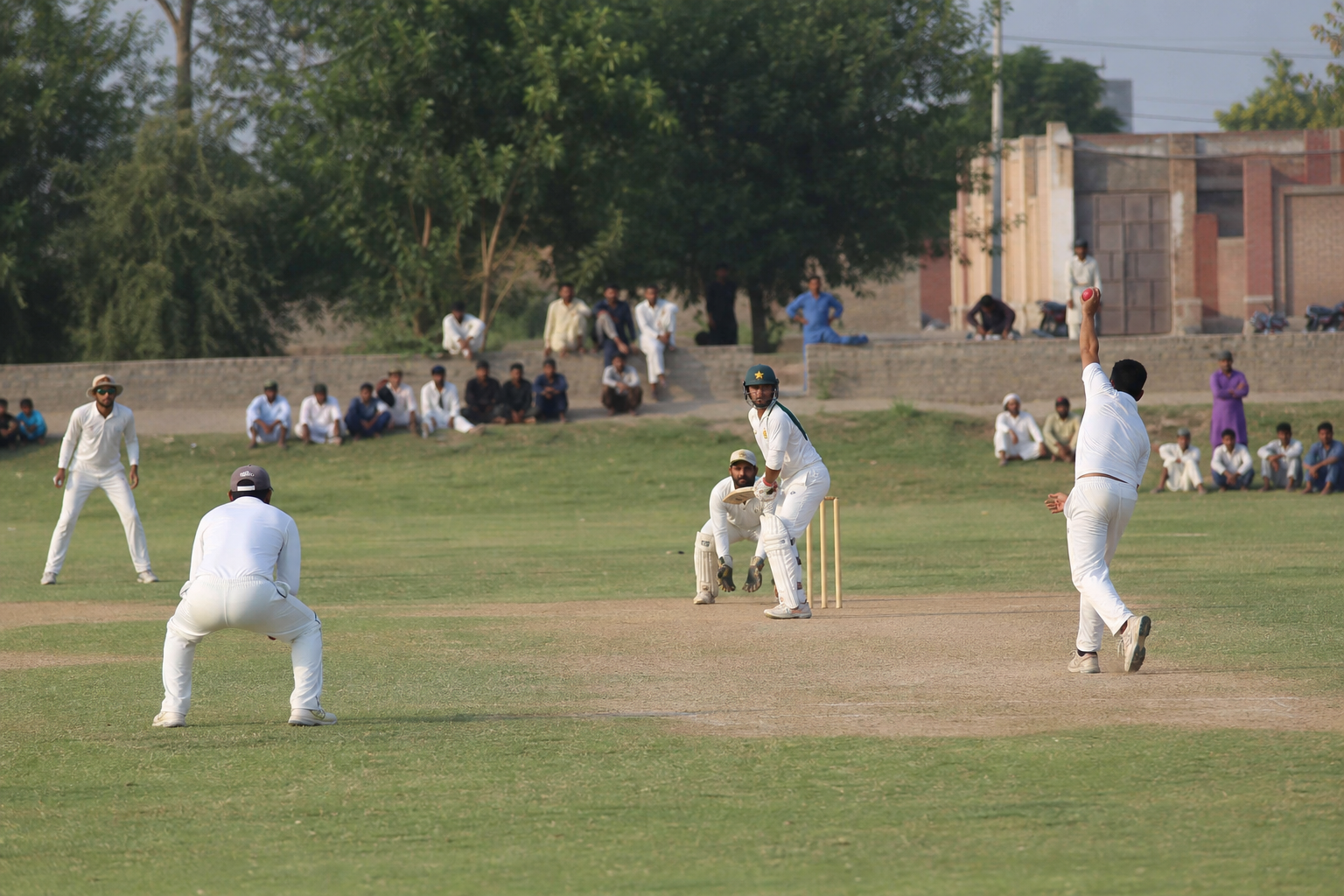
Whether it’s a friendly Sunday match or a corporate cup, hosting cricket takes planning. This guide walks you through how to host a cricket match event using Sport Studio — ground, players, and payments in one flow.
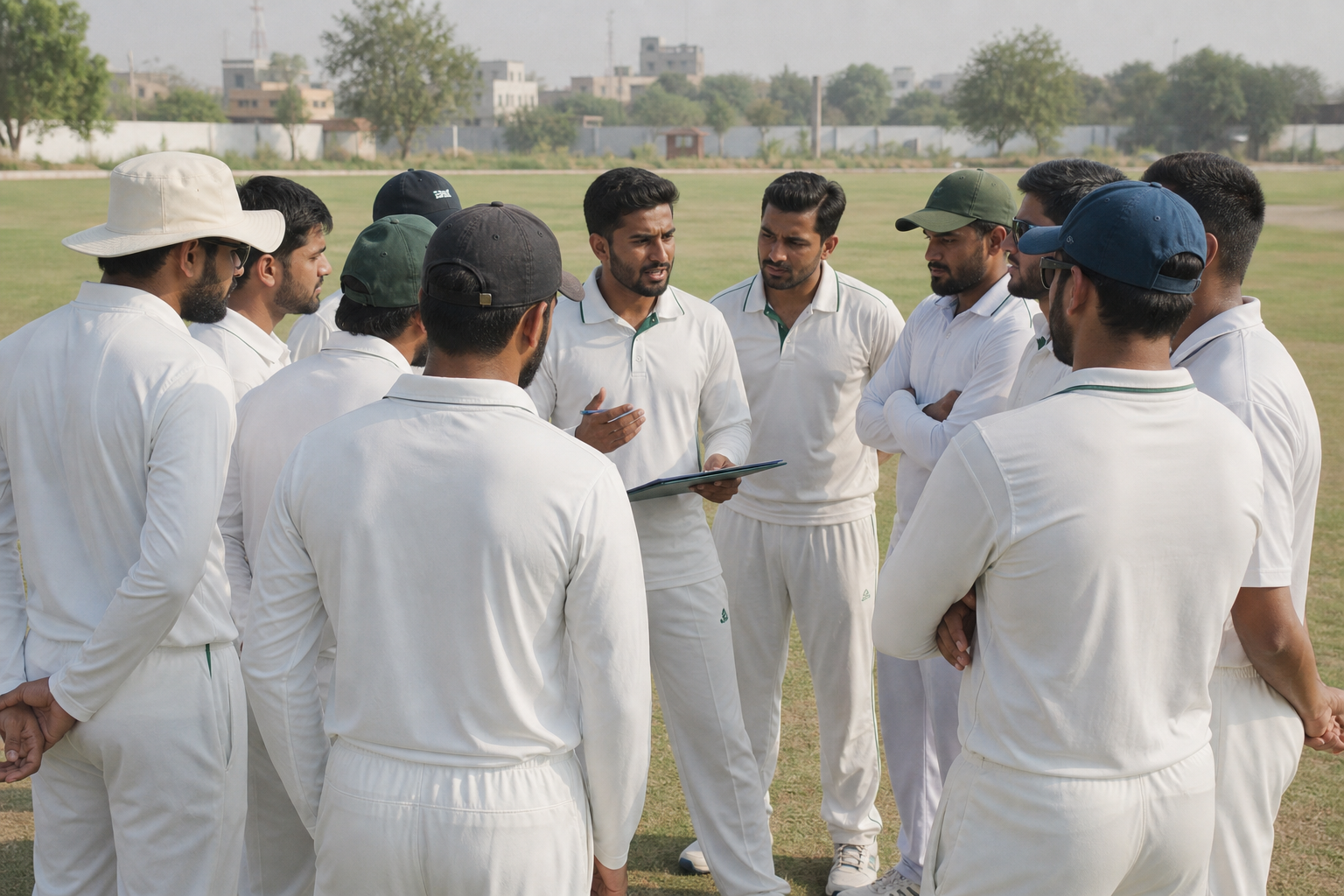 A short team talk sets the tone — your booking is already confirmed online.
Step 1: Book the ground first
Never advertise a match before the pitch is secured. Book your cricket ground on Sport Studio with the correct date, time block, and payment method (online or cash at venue).
Step 2: Create your event
From your dashboard, create an event with:
- Clear title (e.g. “Sunday Tape Ball — DHA Ground”)
- Entry fee per player (if any)
- Max participants and sport type
- Rules and what to bring (kits, balls, drinks)
Step 3: Share the join link
Post the event link in your WhatsApp group and Facebook page. Players submit join requests; you approve or reject from the app.
Step 4: Collect payments
Participants can pay via Online or wallet where enabled, or you mark cash payments as received. No more chasing 11 people individually on the day.
Step 5: Match day checklist
- Show booking ID at the gate
- Confirm player list 2 hours before start
- Assign umpiring / scoring duties
- Take a team photo — great for social media
Explore events or book a ground to host your next cricket match on Sport Studio.